GTA 6 AI Poster Generator
Upload a selfie or group photo and get a widescreen Vice City poster with GTA lettering.
Upload to create your image. Save free with a watermark.

How to make a GTA 6 AI poster from a photo
- Upload one photoChoose a selfie, a group photo, or a movie still.
- Wait for your posterAI redraws the photo and adds the GTA title and VI.
- Save your posterSave the full-size image free with the LeonidaPix watermark. Unlock the same image to remove the watermark.
Put Your Crew on a GTA 6 AI Poster
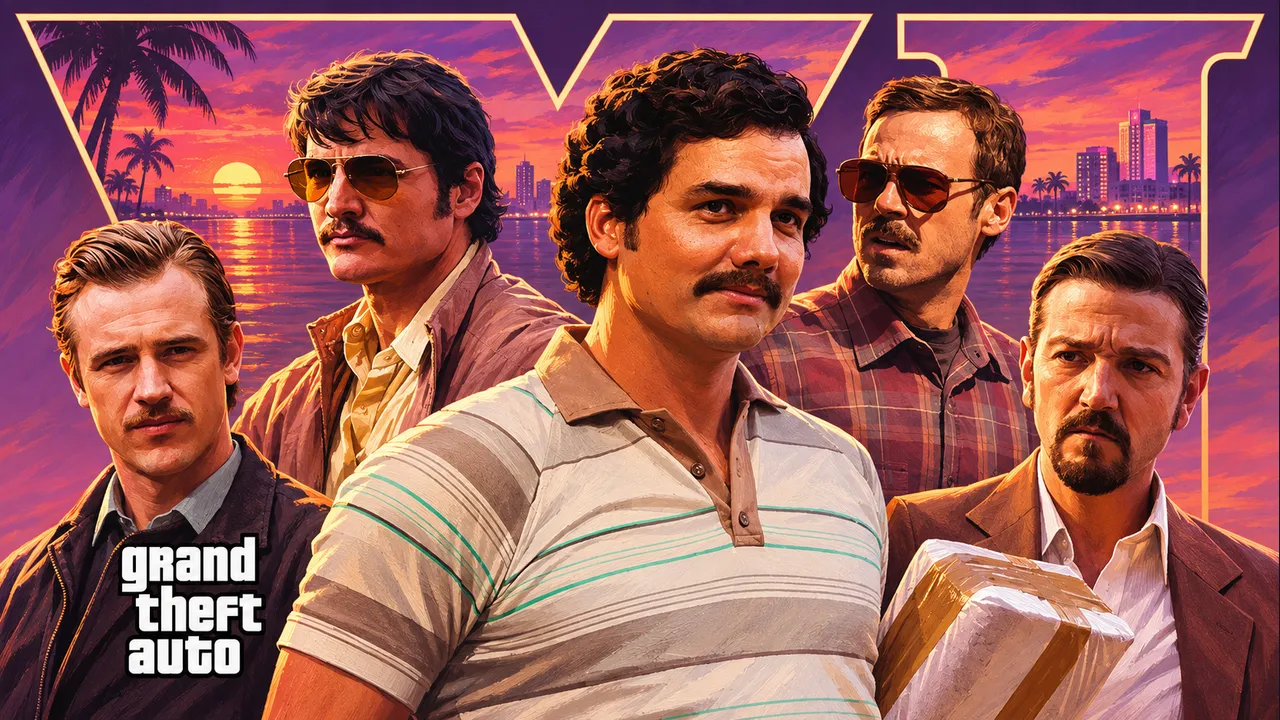
Upload a group photo to see your crew redrawn against a neon Vice City skyline, with sunset colors and bold GTA lettering.
Upload photoGTA 6 AI Poster FAQ
Do I need a prompt to use the GTA 6 poster maker?
Just upload one image. The tool draws the poster and adds the title.
Can I make a poster from a couple or group photo?
Yes. Choose one photo with everyone already in it.
Will I still look like myself?
The poster is based on your face, clothes and pose. Small details may change.
Does the poster include GTA lettering?
The AI draws the three-line “grand theft auto” title and the Roman numeral VI. Their placement and appearance can vary.
Can I download the poster for free?
Save the full-size image free with the LeonidaPix watermark. Unlock the same image to remove the watermark.
How do I recover a purchase?
Use Restore purchase with your checkout email. Each unlocked poster is available for 30 days.
How is this different from the GTA 6 Cover Maker?
Here, AI redraws one photo as a widescreen poster. Use Cover Maker to arrange several photos in a GTA 5 or GTA 6 cover.
What happens to my photo?
We send a smaller copy for AI processing when you upload. You can return to an unpurchased poster for 24 hours, with extra time if checkout is open.
More tools from LeonidaPix
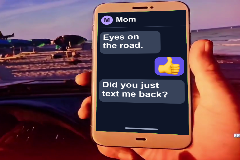
GTA 6 Phone Screen Meme Generator
Put your photo or video on Jason’s phone.
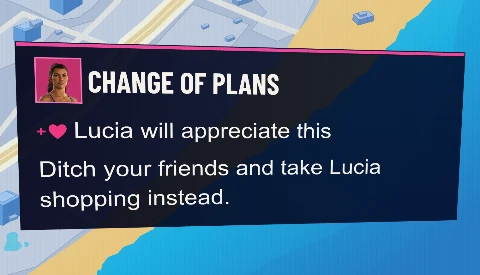
Lucia Will Appreciate This Meme Generator NEW
Turn an everyday favor into a GTA 6 mission.
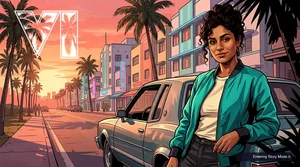
GTA 6 Loading Screen Generator
Put yourself in a sunset loading scene.
GTA 6 Logo Maker HOT
Put your name over the VI logo.
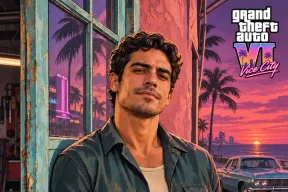
GTA AI Filter NEW
Give your photo a GTA-style makeover.
GTA 6 Cover Maker
Build a GTA-style cover with your photos.

GTA Font Generator
Create GTA-style text or a nickname.