GTA Font Generator
Download GTA-style lettering as a transparent PNG, or copy a nickname for your profile.
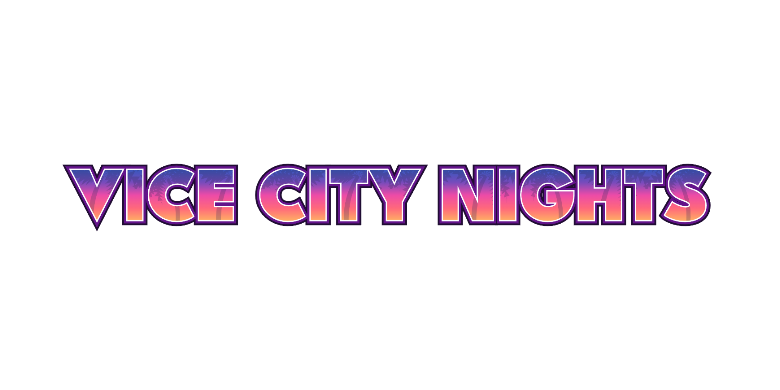
GTA font generator for titles and nicknames
How to make GTA-style text
- Type a title or nicknameUse up to 60 characters across three lines.
- Choose your letteringPick sunset palms, monochrome or classic 3D. For a nickname, open Copy text.
- Save or copyDownload the transparent PNG for your editor or copy the nickname into your profile.
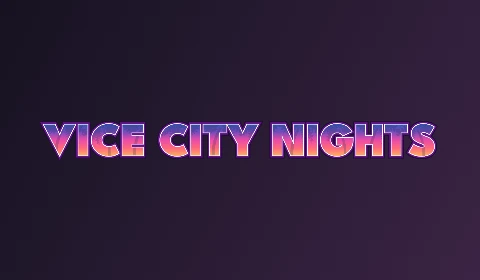
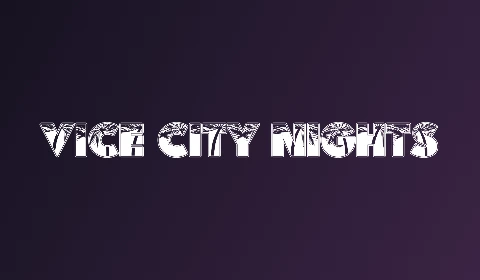

Three looks for your next thumbnail
Compare sunset color, palm cutouts and crisp black depth on the same title. Every PNG has a transparent background.
Back to the editorGive your profile a new name
Try the bold and bold italic versions of the same nickname, then copy the one you want.
Copy textGTA Font Generator · Frequently asked questions
How do I make GTA-style text for a YouTube thumbnail?
Type a title in PNG image mode, choose a style and download the transparent image. Place the PNG on your thumbnail in your editor.
Can I paste the sunset GTA font into my Discord name?
The sunset gradient and palm texture are part of a PNG. For a name you can paste, open Copy text and copy a styled version of your nickname.
Do I need to install a font?
No. The editor renders lettering in your browser. You get a PNG image or copyable Unicode characters.
Can the title wrap across multiple lines?
Yes. Press Enter to set up to three lines, then pick left or center alignment. The PNG uses the lettering’s bounds and its longest side is 1600 pixels.
Does the GTA font generator cost anything?
PNG downloads and both nickname styles are free to use without an account.
Can I add a picture and a second layer of text?
Use Edit in Logo Maker to bring over the title and style. There you can add a backdrop and use the layered lettering editor.
More tools from LeonidaPix
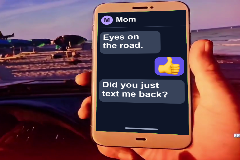
GTA 6 Phone Screen Meme Generator
Put your photo or video on Jason’s phone.
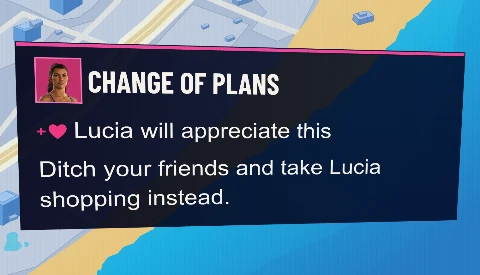
Lucia Will Appreciate This Meme Generator NEW
Turn an everyday favor into a GTA 6 mission.
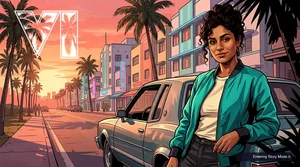
GTA 6 Loading Screen Generator
Put yourself in a sunset loading scene.
GTA 6 Logo Maker HOT
Put your name over the VI logo.
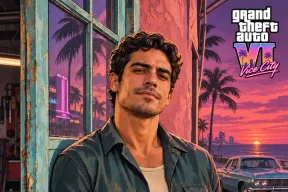
GTA AI Filter NEW
Give your photo a GTA-style makeover.
GTA 6 Cover Maker
Build a GTA-style cover with your photos.
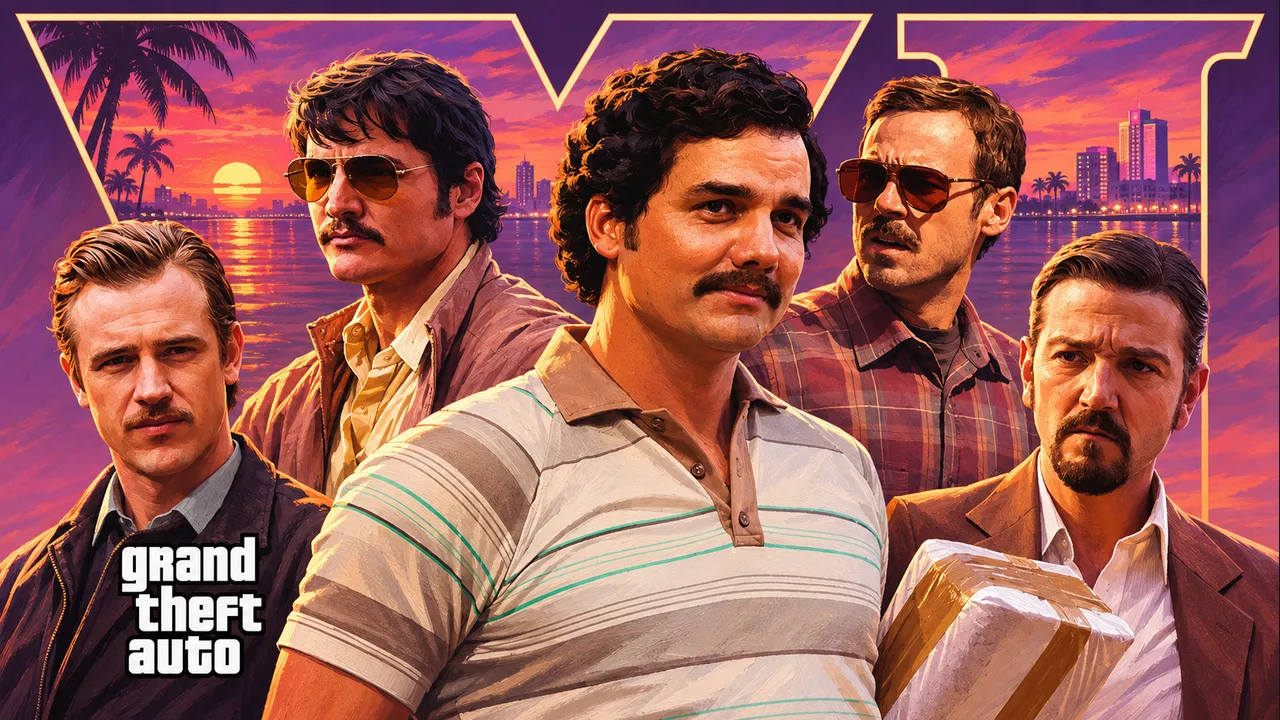
GTA 6 AI Poster Generator HOT
Turn one photo into a GTA-style poster.