GTA 6 Phone Screen Meme Generator
Put your photo or video on Jason’s phone as he drives down the beach in GTA 6. Drag it into place and save your six-second MP4 for free. The editor tracks the screen for you.
What makes a good GTA 6 phone screen meme?
Try a clip everyone’s quoting, or pick something that clashes with the drive. A meditation app telling Jason to “slow down” as he floors it on the beach makes the drive look like the world’s worst mindfulness exercise.
How to make a GTA 6 phone screen meme
- Add your photo or videoPick a chat screenshot, a photo, or a short screen recording. The driving clip is already here.
- Frame it on the phoneFill the screen or keep the whole image. Play the preview to see it move with Jason’s hand.
- Save your memeTap Save MP4 for the clip, or pause and save the current frame as a PNG.
Use the GTA 6 phone meme template for free
That dachshund on Jason’s phone started as one photo. Try it with your pet or a chat screenshot. The GTA 6 phone meme maker adds the beach drive and game audio. You can save the clip without signing up.
Make my phone meme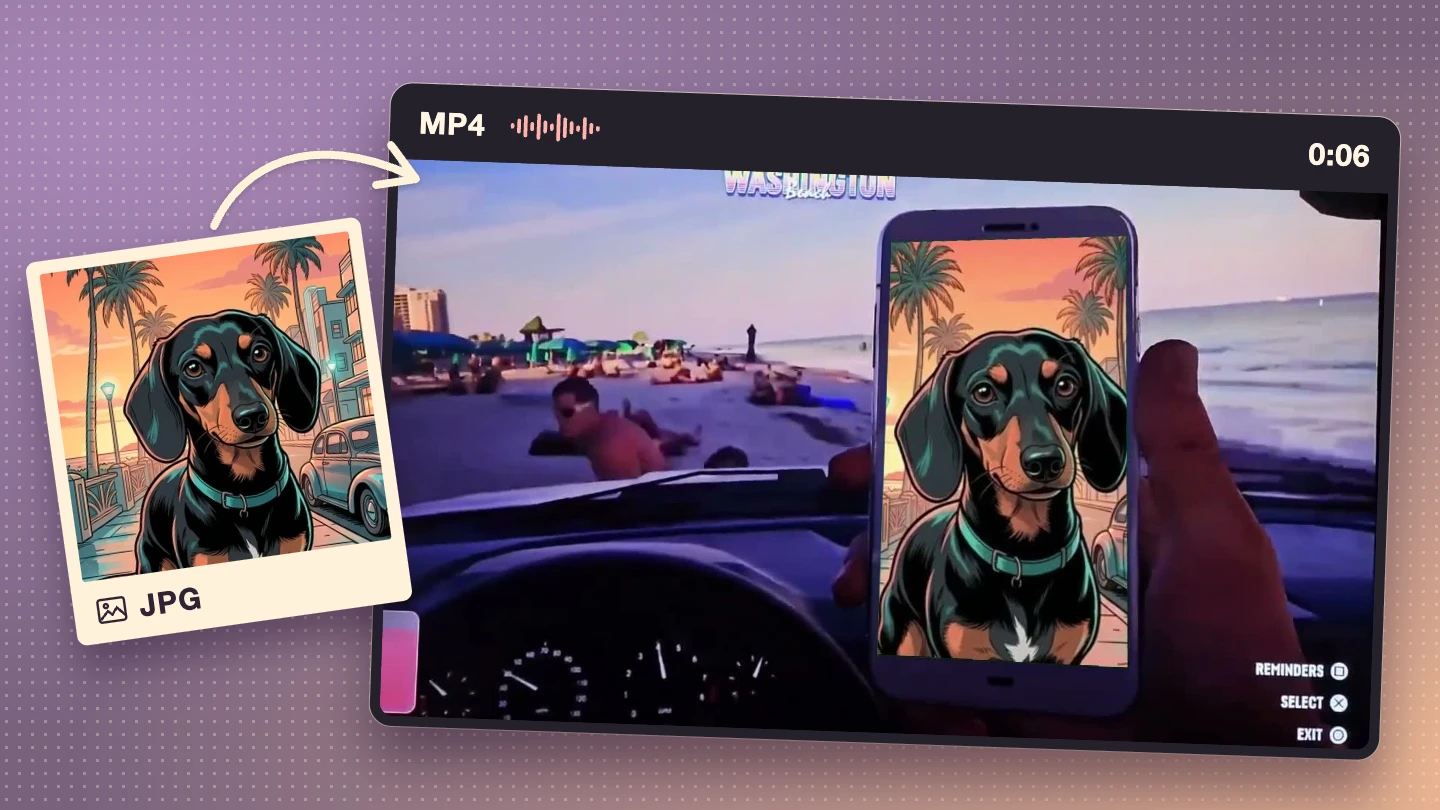
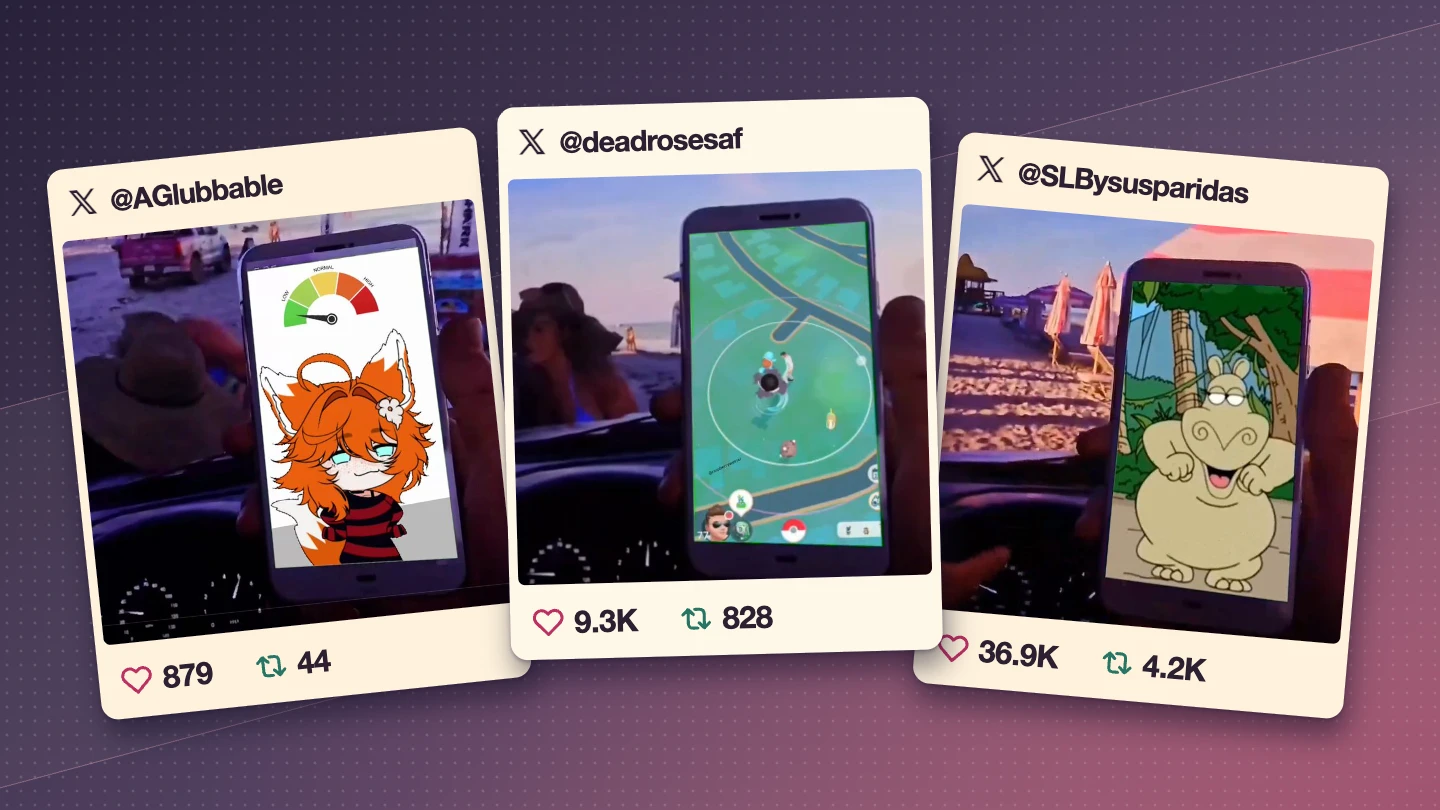
One beach drive, three hits on X
Pokémon GO on Jason’s phone picked up over 9,000 likes. A cartoon hippo drew over 36,000. What would your group chat put on that screen? Pick your clip and make a version to post on X.
Make my phone memeGTA 6 phone screen meme FAQ
What is the GTA 6 phone screen meme?
It’s the beach driving clip where the joke is whatever Jason is looking at on his phone. Play the example to see Mom catch him texting.
How do I put my own video on Jason’s phone?
Choose Add your photo or video and pick your clip. The editor follows the phone as it moves. Preview your edit, then choose Save MP4.
Can I use a photo or a chat screenshot?
Yes. A single picture stays on the phone throughout the clip. Choose Fit entire image if the last line of your chat gets cut off.
Do I need the GTA 6 phone green screen template or CapCut?
The driving clip and screen tracking are built into the editor. All you need to add is what you want Jason to look at.
Can I save the meme on iPhone or Android?
Tap Save MP4 to download the clip. If your phone shows Share or save video, you can send it straight to a chat. If your browser can’t save video, tap Save current frame for a PNG.
Is the generator free? Do I need an account?
Editing and downloads are free. Open the editor without an account. Your photo or video stays in your browser.
How long is the clip, and which audio does it use?
The MP4 is about six seconds at 1280 × 720, with the driving scene’s audio. Shorter videos loop on the phone. For longer videos, put the joke near the start.
Can I save just one frame?
Yes. Pause on the moment you want, then choose Save current frame to download a PNG. Edit a still frame in Photopea
More tools from LeonidaPix
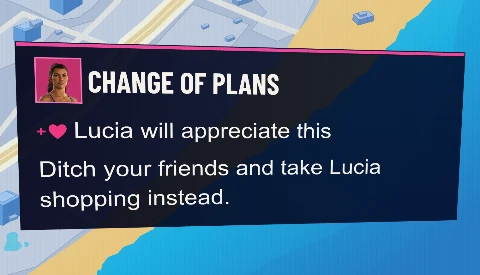
Lucia Will Appreciate This Meme Generator NEW
Turn an everyday favor into a GTA 6 mission.
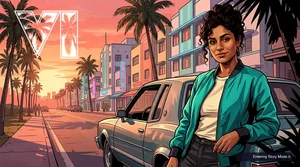
GTA 6 Loading Screen Generator
Put yourself in a sunset loading scene.
GTA 6 Logo Maker HOT
Put your name over the VI logo.
GTA AI Filter NEW
Give your photo a GTA-style makeover.
GTA 6 Cover Maker
Build a GTA-style cover with your photos.
GTA 6 AI Poster Generator HOT
Turn one photo into a GTA-style poster.

GTA Font Generator
Create GTA-style text or a nickname.